Installation & Help Center
🔒 Authorizing Brick Engine on macOS Tahoe
Because Brick Engine is distributed as an independent offline application bundle built specifically for fast local performance, macOS Tahoe's safety preferences will initially filter execution flags when launching an unregistered custom binary package.
To safely approve the application bundle execution framework on Tahoe, follow these steps:
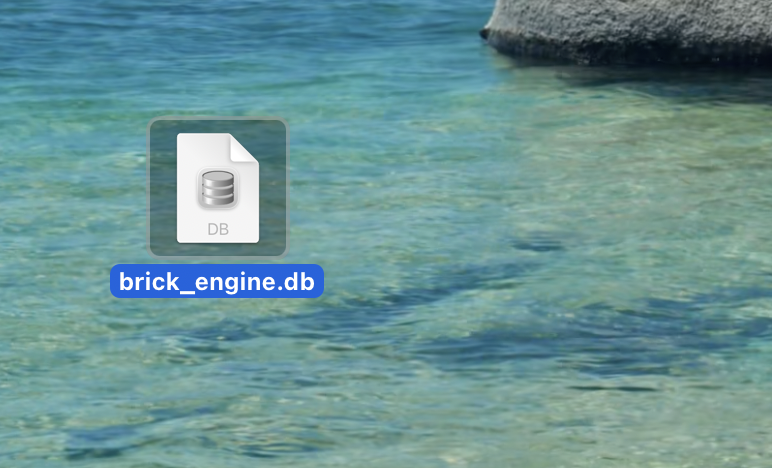
- Unpack your download file and drag the Brick Engine.app bundle directly into your main Mac /Applications directory folder.
- Double-click the app icon to trigger the default security validation flag layer. When the dialog box warns that it can't verify the developer, click Cancel.
- Open your Mac's System Settings dashboard and navigate to the Privacy & Security side-bar menu.
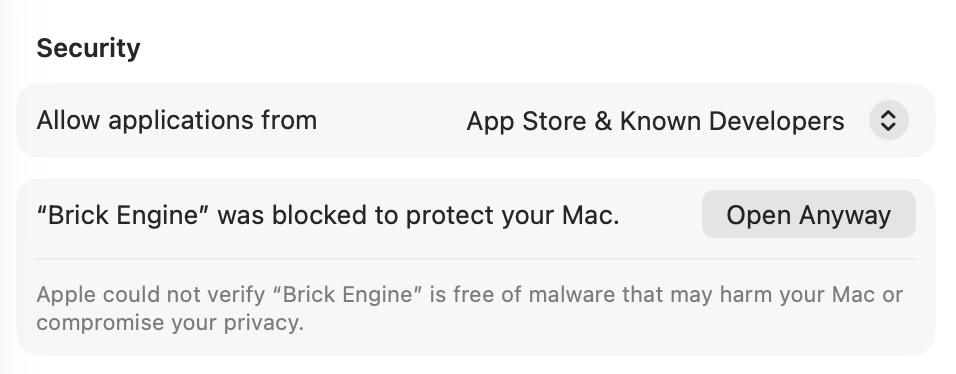
- Scroll down to the Security header section. You will explicitly see a log stating "Brick Engine" was blocked to protect your Mac.
- Click the Open Anyway selector action button (shown above) and enter your Mac profile password credentials when prompted to complete verification.
Note: You only need to run this authorization layout once! Tahoe registers your selection into local user privileges, letting you launch the application dashboard immediately with a basic double-click on all future reseller sessions.
🔑 Default System Login Credentials
When launching Brick Engine for the first time, you will be prompted to authenticate your session layout. Use the factory master credential variables below to sign in:
- Username: admin
- Password: password123
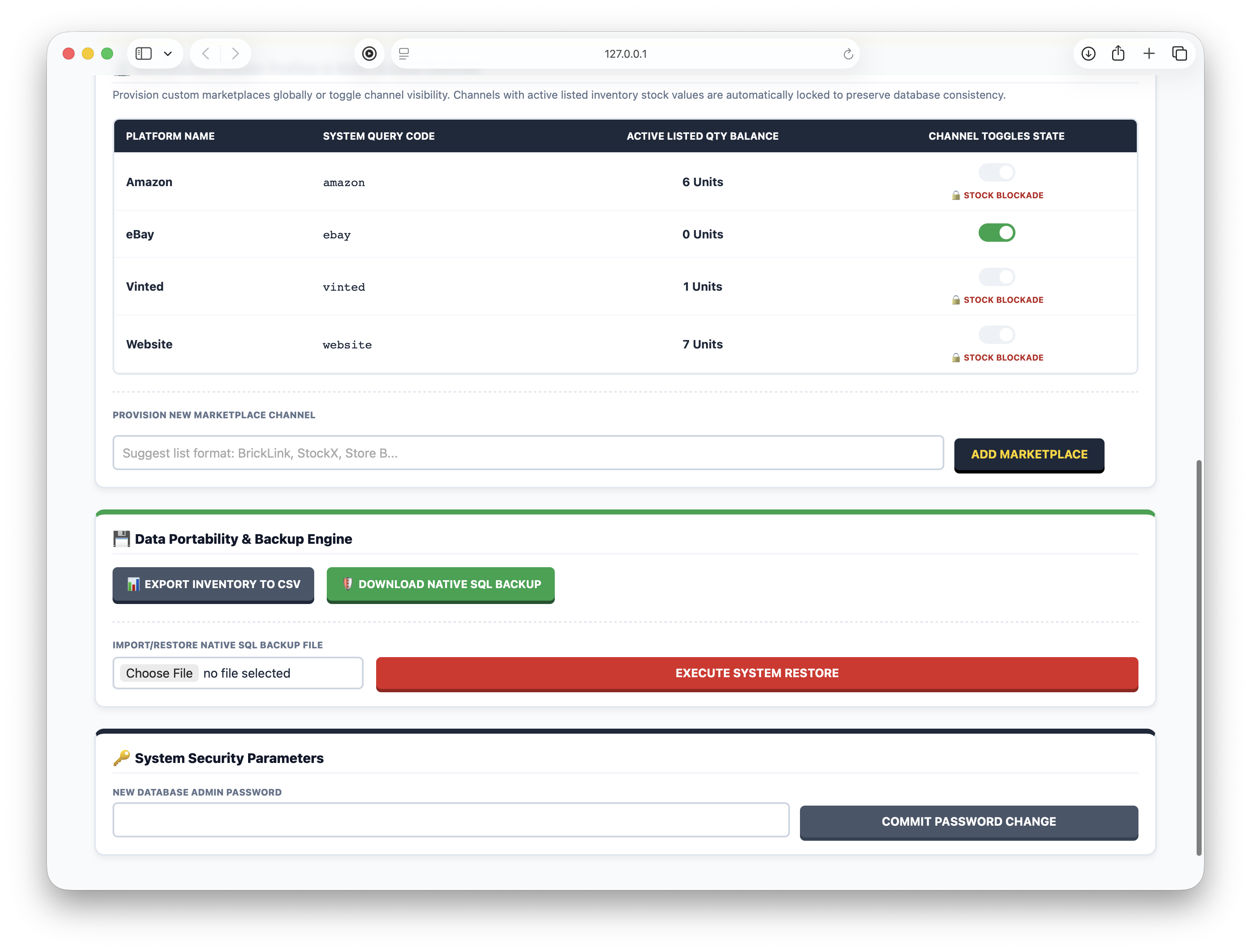
Security Notice: To protect your inventory data layer, we highly advise navigating to the environment control console immediately after entry to update your administrative passcode.
Need Technical Reseller Support?
Having trouble parsing local catalog layouts, managing allocation records, or walking through system recovery backups across your workstations?
Drop us a detailed message directly at our engineering desk line:
hello@nickpicksbricks.co.uk
We strive to review data inquiries and answer deployment structural setups within 24–48 open operating warehouse hours.